Computing Resources

EOL Earth Observation Lab UAV Workshop

Geospatial Computing Resources at Yale

Earth Observation Lab

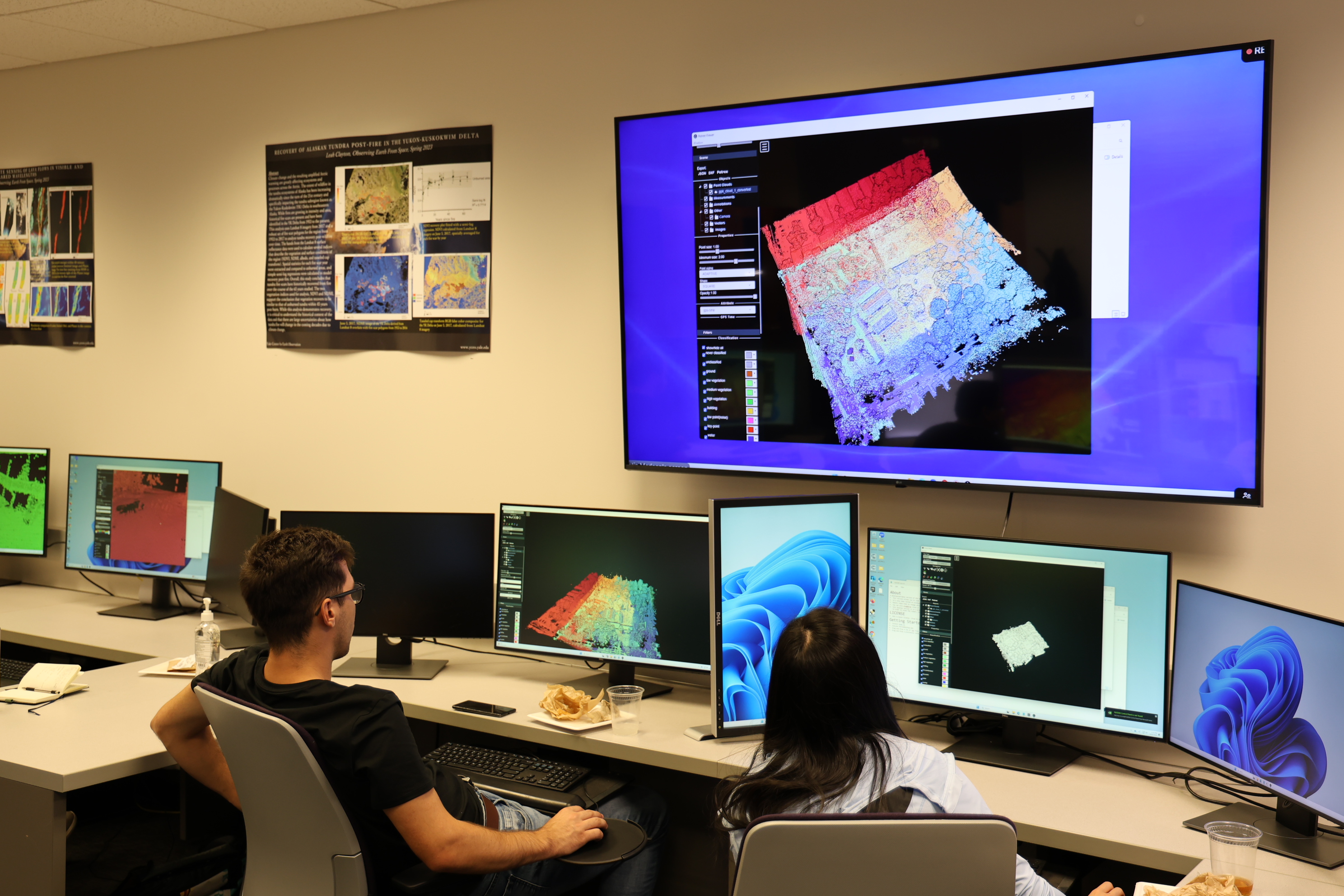
The EOL provides computers pre-loaded with comprehensive software for earth observation tasks. Review the computer specifications and software list on the [EOL lab page]. 

13 computers: Dell Precision 5820 Tower running Windows 11 Enterprise, equipped with an Intel Xeon W-2275 (3.30GHz; 14 cores) processor, 128 GB RAM, and an NVIDIA RTX A5000 graphics card. Each computer has a 476 GB hard drive. The system includes both IPv4 and IPv6 networking.

2 computers: Dell Precision 7875 Tower desktop running Windows 11 Enterprise, featuring an AMD Ryzen Threadripper PRO 7965WX (5.3 GHz; 24cores) processor, 256 GB RAM, and an NVIDIA RTX 4000 Ada Generation graphics card. It includes a 951 GB hard drive. The system includes both IPv4 and IPv6 networking.

Remote Desktop Access: 

  • Begin by checking the Yale MyApps Tab for general remote access. 

  • If your required software is not available on Yale MyApps and need remote desktop access to EOL, please reach out to geospatialhelp@yale.edu. 

Yale MyApps 

Running GIS often requires more computing power than standard applications. Yale ITS addresses this by offering powerful virtual machines through “MyApps.” 

  • Access: Most users can log in with their Yale email address and NetID password (Staff must request special permission).  

  • Pre-loaded Software: The MyApps Yale GIS comes with geospatial software, including: ESRI ArcGIS Pro, QGIS, Google Earth Pro, GeoDa (for spatial statistics), and Drone2Map. 

  • How to Access: Follow the [Getting Started with MyApps at Yale] guide.